A research workspace for the web and Android tablets
Every highlight remembers its page.
Read PDFs and mark them up the way you would on paper. Pull the passages that matter onto a board, ask an assistant that answers only from your sources, and turn the whole thing into a report with the page number beside every claim.
Reading and markup are free, and staying that way. Pro is ₹499 a month. No card needed.
Built for law students and advocates, PhD researchers, exam candidates and analysts — anyone whose work starts with a stack of documents and has to end with something they can defend.
In one paragraph
What is PlasmaText?
PlasmaText is a research workspace for the web and Android tablets. You read and annotate PDF and Word documents, drag excerpts onto a board that keeps each citation, ask an AI assistant that answers only from your documents with page numbers, and generate source-backed reports. Markup is free forever; Pro costs ₹499 a month.
Four steps
How it works
- Add your documents. Upload PDFs or Word files to a project in the web app or the Android tablet app.
- Read and mark up. Highlight, underline, add notes or write with the pen, and search every word.
- Pull excerpts onto the board. Long-press a passage and drop it on the Workbench; each card links back to its page.
- Ask and report. Ask questions answered from your sources with page citations, then generate a report such as an Evidence Pack or a Timeline.
Free forever
Read and mark up
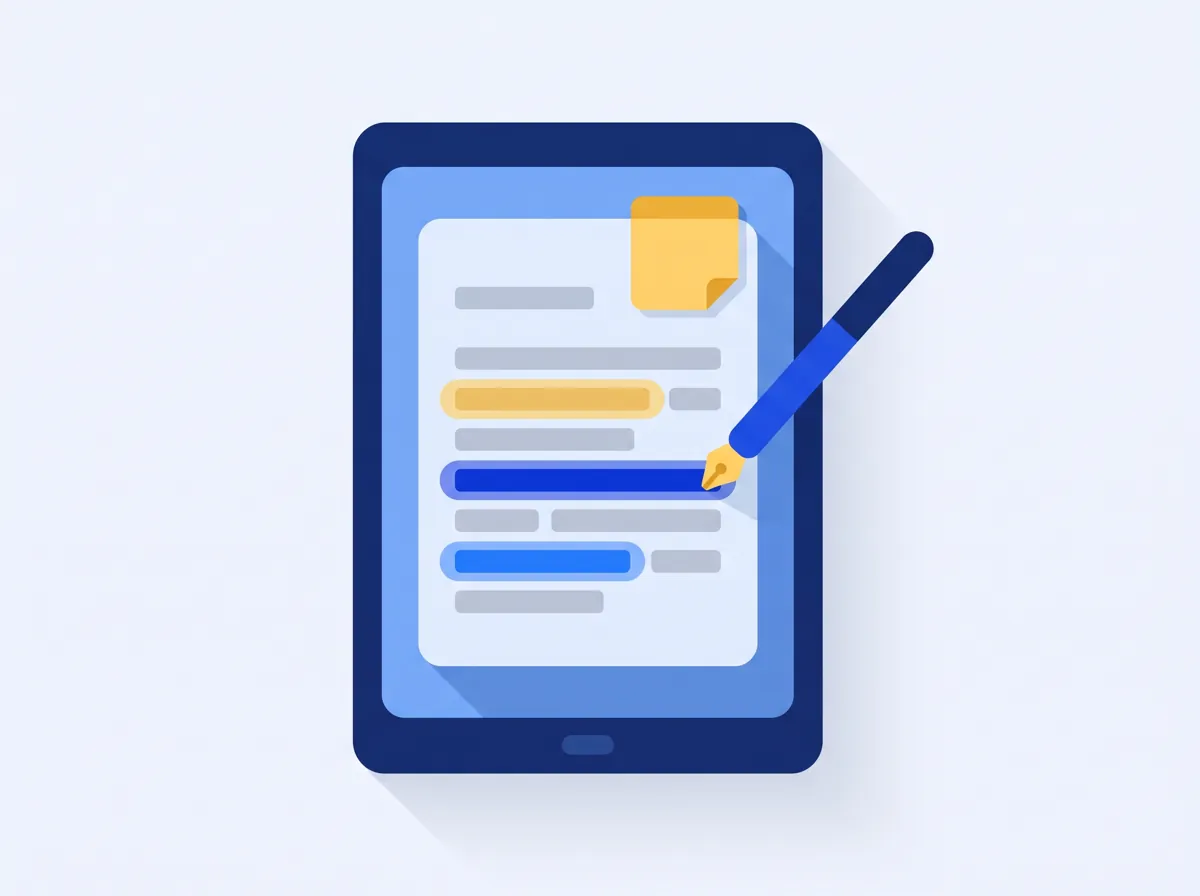
Open PDFs and Word files. Highlight, underline or strike through a passage, stick a note to it, or draw straight on the page with the pen and highlighter. Switch the paper to light, sepia or dark to suit the room, and search for any word in the document.
- Pen, highlighter, notes, underline, strikethrough
- Light, sepia and dark paper
- Full-text search inside every file
- Works on the tablet without a connection; syncs when you are back
Workbench
Pull it onto a board that keeps the source
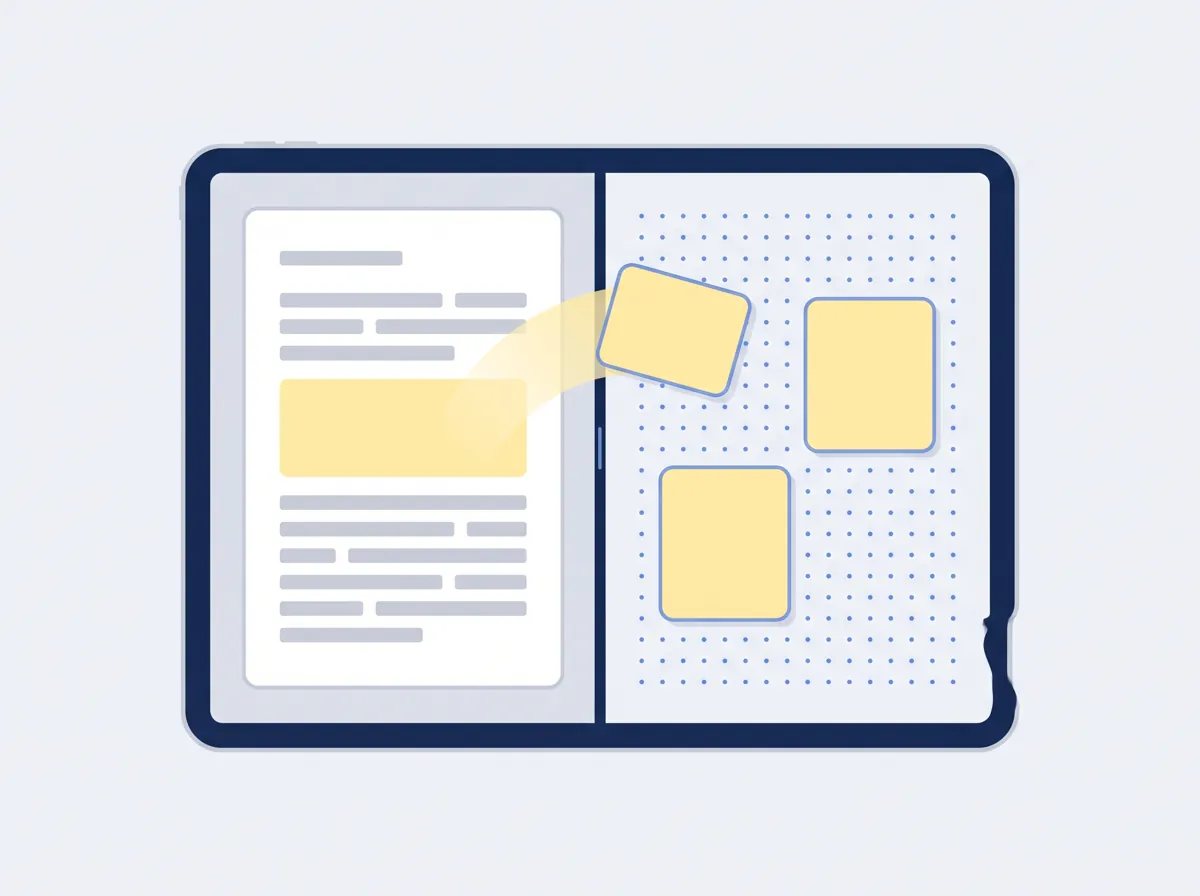
The document and the board share one screen: side by side in landscape, stacked in portrait, with a divider you drag. Long-press a passage, a figure or a highlight and drop it on the board. Every card keeps its citation, so a tap takes you back to the exact page it came from.
- Board, mind map, and connections you name — supports, contradicts, follows from
- Draw and write on the board itself
- Export your work as PDF or Word, and the board as PNG on the tablet app
- Every project gets a board with room for a hundred cards, free
Evidence Pack · 2 documents · 6 findings
Notice obligations under the master agreement
- Termination for convenience requires written notice of at least thirty days. Master agreementp. 14
- The 2024 amendment shortens this to fourteen days for the supplier only. Amendment 2p. 3
- Contradiction Clause 9.2 and the amendment disagree on who may give notice by email. Master agreementp. 15
Unverified claims are left out unless you ask for them.
Which party can shorten the notice period?
Only the supplier, after the 2024 amendment. Amendment 2p. 3
Reports and AI
Ask it anything. It answers from the page.
The assistant reads only your documents and cites the page for every answer. When the thinking is done, one tap turns your highlights, cards and connections into a report — one of 23 templates such as a Case Brief, a Literature Review, an Evidence Pack or a Timeline — or tell it what the report is for, like an exam or a presentation, and it plans the shape.
- Every finding carries its source and page; unverified claims are left out unless asked
- Reports write in the background and tell you when they are ready
- Use your own API key and the AI is free and unlimited; Pro includes 300 AI credits a month
Free forever
Reading and markup never cost anything.
Paying buys room.
The pen, the highlighter, notes and one board per project are the product, not the upsell. A free account holds 20 documents of up to 25 MB each (500 MB in all) across two projects, with unlimited AI on your own API key, or one free AI conversation and one sample report to try on us. Pro is for people who outgrow that, and for the full AI assistant and reports.

-
Free
₹0 forever
Every new account starts here. No card, no trial clock.
- 20 documents of up to 25 MB, 500 MB of storage, in 2 projects
- One board per project with 100 cards; drawings never capped
- Pen, highlighter, notes, search and offline reading
- 5 exports and 10 OCR pages a month
- Unlimited AI with your own API key (or try one conversation and one sample report on us)
- One seat; tips and sponsored notes in the app
-
Pro
₹499 per month
For a heavy caseload, a team, and the assistant.
- Unlimited documents, projects, members, boards and cards
- Files up to 500 MB; 2 GB of storage
- Full AI assistant and reports with 300 AI credits a month; top up any time
- Redaction, legal holds, API keys and webhooks
- No tips or ads
Prices in Indian rupees, billed monthly. AI credit top-ups are available on Pro; Free has unlimited AI with your own API key, or one conversation and one sample report to try the AI on us. Plan details are set in the app and may change before launch.
Get PlasmaText
On the web today. On your tablet soon.
The web app runs in any modern browser. The Android app is built for tablets with a pen and keeps every project on the device, so it works on a train, in a reading room or in court.
- Available now Web app Open app.plasmatext.com
- Coming to Google Play Android for tablets The listing goes live with launch. Until then, the web app works on Android in the browser.
- Soon iPad Write to [email protected] to hear when it lands.
Frequently asked questions
Is PlasmaText free?
Yes. Reading, the pen, the highlighter, notes, underline and strikethrough, search, offline reading and one board per project with 100 cards are free forever, with no card and no trial clock. A free account holds 20 documents of up to 25 MB each (500 MB in all) in two projects. Add your own AI provider API key and the assistant and full reports are free and unlimited; without one, you can try one AI conversation and one sample report on us.
How much does PlasmaText Pro cost?
PlasmaText Pro costs ₹499 per month, billed monthly in Indian rupees. It adds unlimited documents, projects and members, files up to 500 MB, 2 GB of storage, and the full AI assistant and reports with 300 AI credits a month, with top-ups any time.
Does the AI cite its sources?
Yes. The PlasmaText assistant reads only the documents in your project and cites the document and page for every answer, and every finding in a generated report carries its source and page. Claims it cannot verify against your documents are left out unless you ask for them.
How does the AI work on Free and Pro?
Pro includes 300 AI credits (₹300) every month for the assistant and reports, metered per call; if you use more, top up in the app, and unused top-ups carry over. On the free plan, add your own API key (OpenAI, Anthropic, Gemini, OpenRouter and others) in Settings → AI and every AI feature is free and unlimited, billed by your provider; without a key, you can try the AI once: one conversation and one sample report that covers the first ten pages of each document on a single page.
Can I use my own AI API key?
Yes, on every plan. Add a key from OpenAI, Anthropic, Google Gemini, OpenRouter, Azure OpenAI or a local model in Settings → AI, and on the free plan the assistant, summaries, extraction and full reports with every template and custom objectives are unlimited, at your provider's prices. The key is encrypted at rest and never shown again after you save it.
Does PlasmaText work offline?
Yes, on the Android tablet app every project is kept on the device, so you can read, mark up and rearrange cards with no connection, and your changes sync when you are back online. AI answers and report generation need a connection because they run on a server.
Is there a PlasmaText app for Android tablets or iPad?
The Android app is built for tablets with a pen and is coming to Google Play at launch; until then the web app at app.plasmatext.com works in any modern browser, including on Android. An iPad version is planned — write to [email protected] to hear when it lands.
Who can see my documents?
Only you and the people you add to the project. Documents are stored for your account so they can sync between devices and be searched, and they are not used to train anything. On Pro, only the passages the AI assistant needs go to the model provider, for that request only, and Pro adds redaction and legal holds.
Which file types can I open?
PlasmaText opens PDFs and Word files. Scanned PDFs can be made searchable with OCR, which has a monthly page allowance that grows with the plan.
Can I export my work to PDF or Word?
Yes. You can export your work as a PDF or a Word document, and export the board as a PNG image.
Can I use PlasmaText with a team?
Yes, on Pro, which has unlimited members, so a team can share projects, documents, boards and reports. The Free plan is for one person, with one seat.
How is PlasmaText different from LiquidText?
Both let you annotate documents and pull excerpts into a workspace that links back to the source. PlasmaText adds an AI assistant that answers only from your documents with page citations and writes source-backed reports, works in any web browser and on Android tablets, and is priced in Indian rupees with a free-forever markup plan. See the full PlasmaText vs LiquidText comparison.